
Getting Started with Nekobox for Android
Last updated:
Get the original NekoBox for Android APK, then add a profile or subscription and make your first connection. Keep your provider’s link and your phone’s CPU architecture handy.
Contents
What is NekoBox for Android?
NekoBox for Android is a sing-box-based proxy client. It keeps individual servers as profiles and groups related profiles together. A subscription group can fetch its list from a provider URL, while a single profile can be added separately when you have one server to use.
How to Download and Install?
The project distributes its Android APKs through GitHub Releases. The project README states that the Google Play listing is operated by a third party. Choose the APK that matches your phone: for example, arm64-v8a for a device running 64-bit ARM Android. Download the right NekoBox APK
Interface Overview
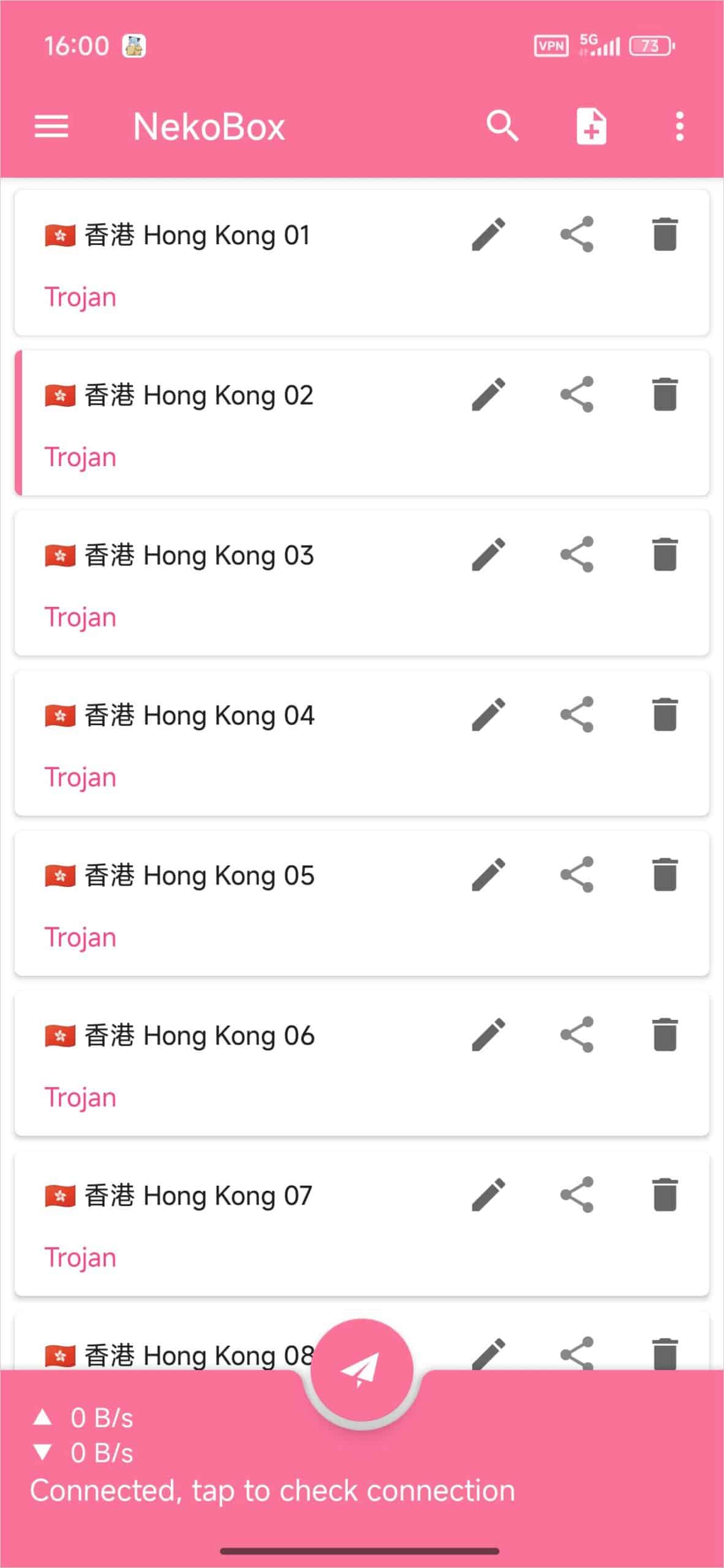
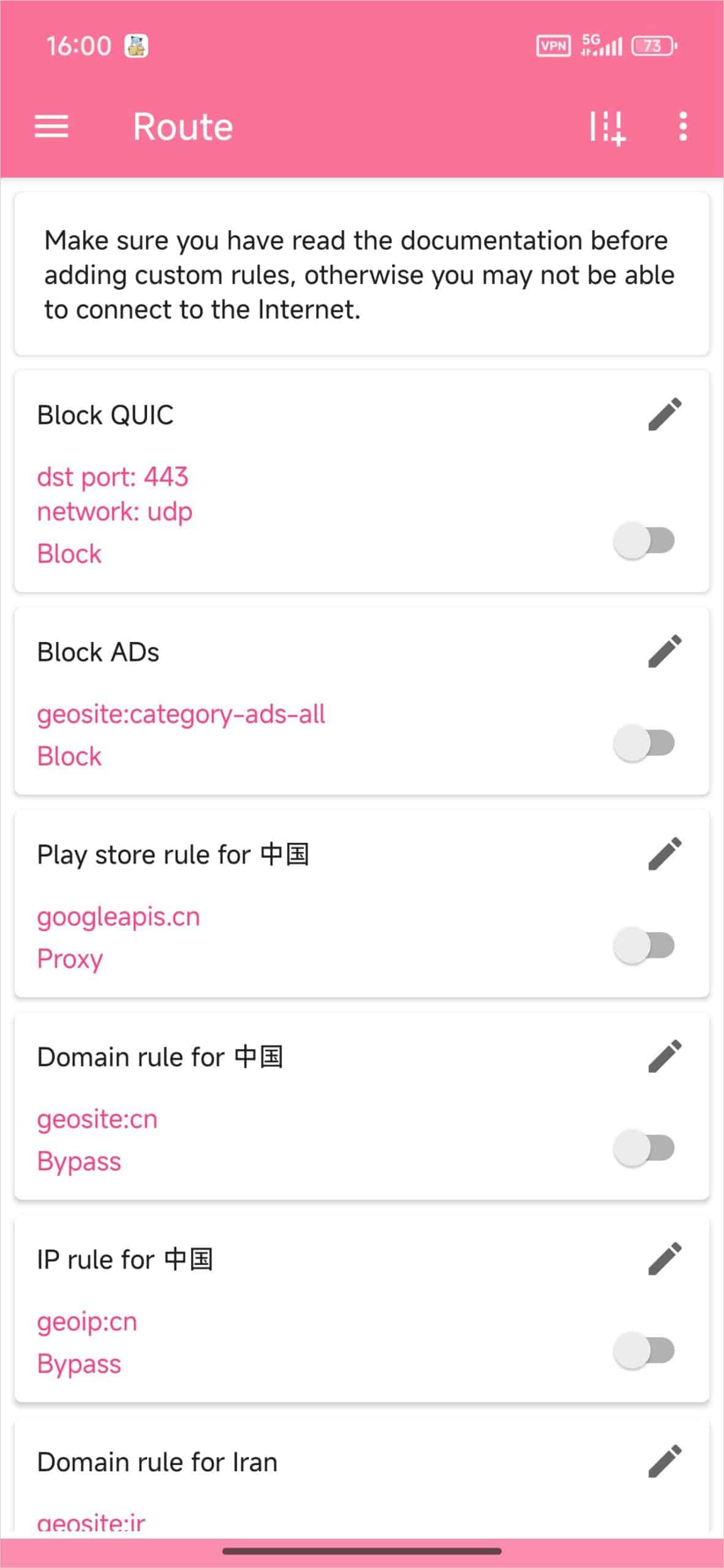
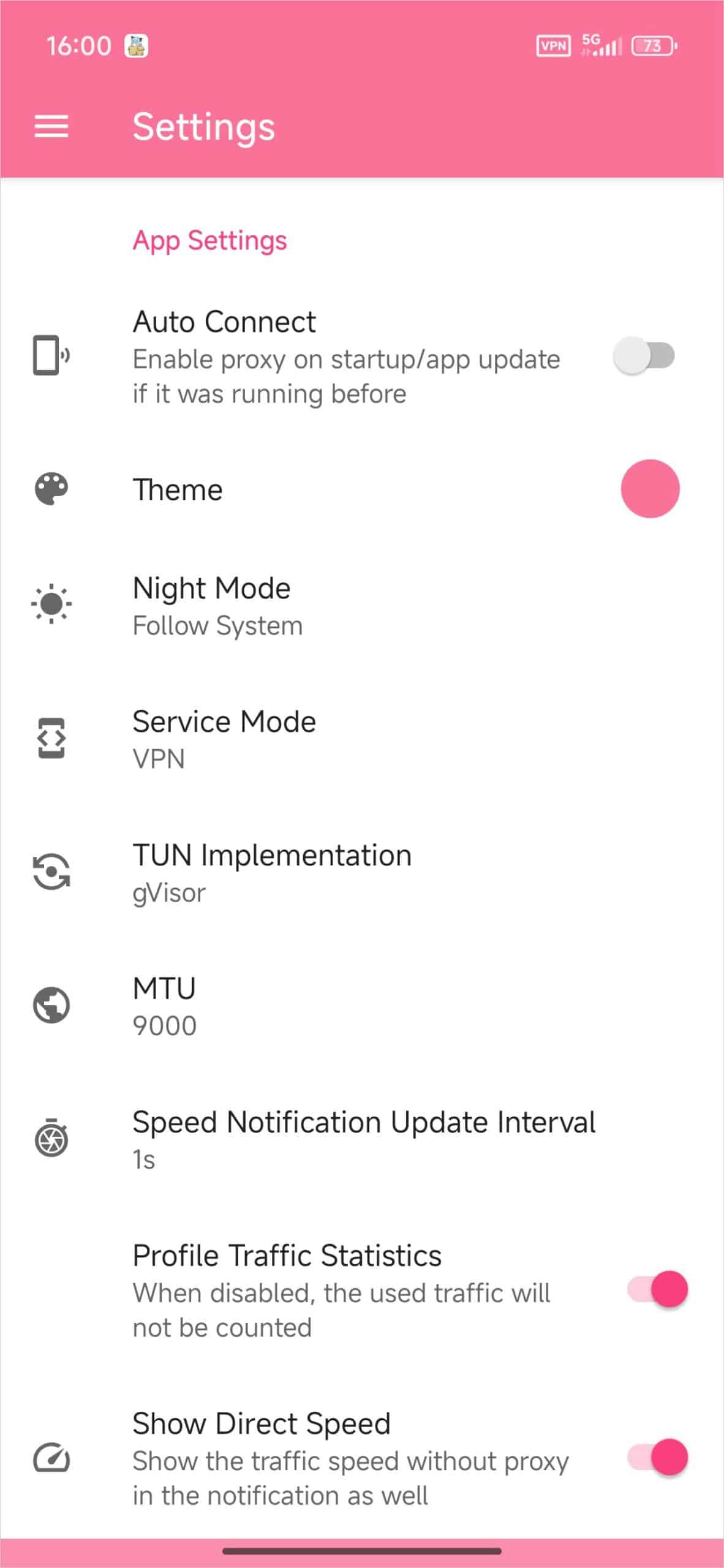
- Configuration shows the profiles in the selected group.
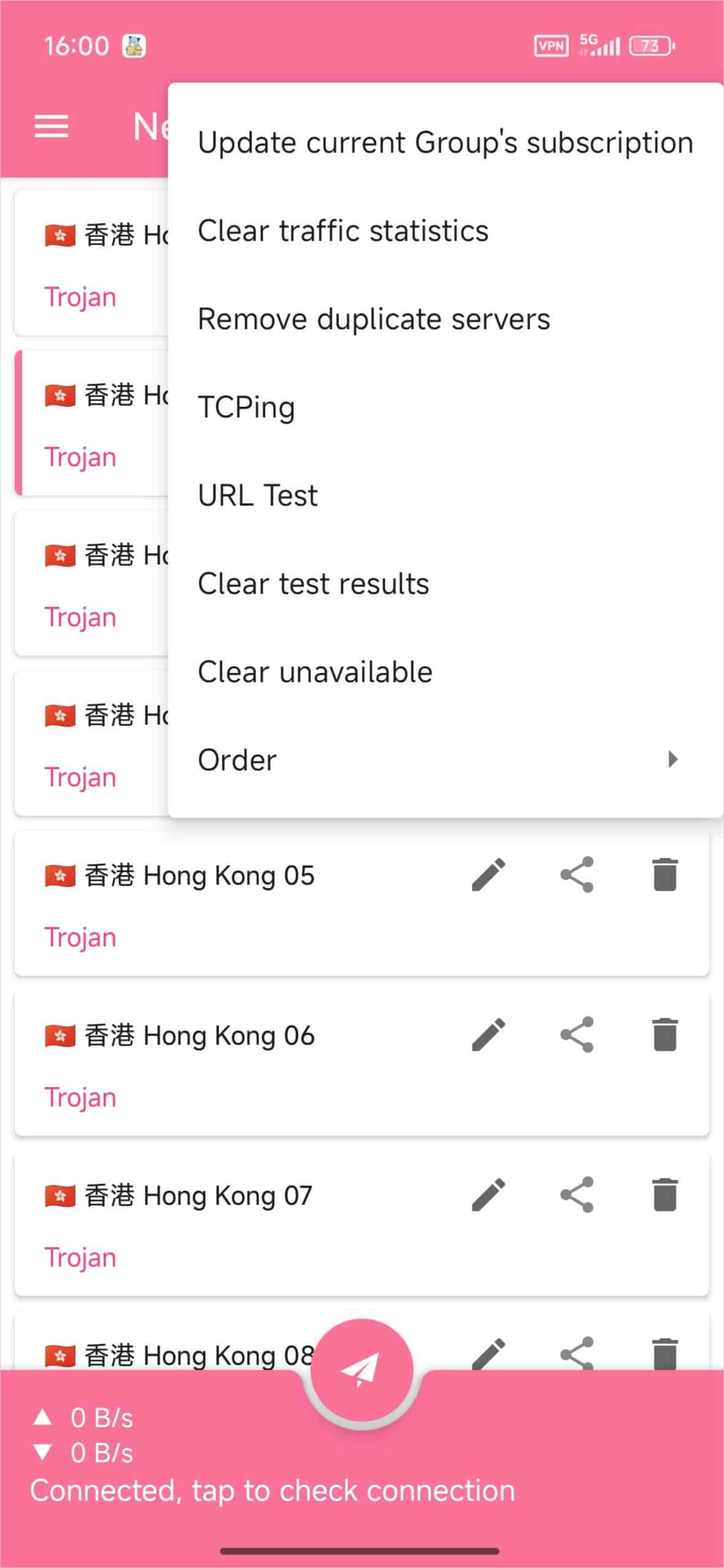
- Groups manages ordinary and subscription groups and gives you a place to update a remote list.
- The connection control starts or stops the selected profile. The profile list and connection test help you narrow down a failing server.
Servers
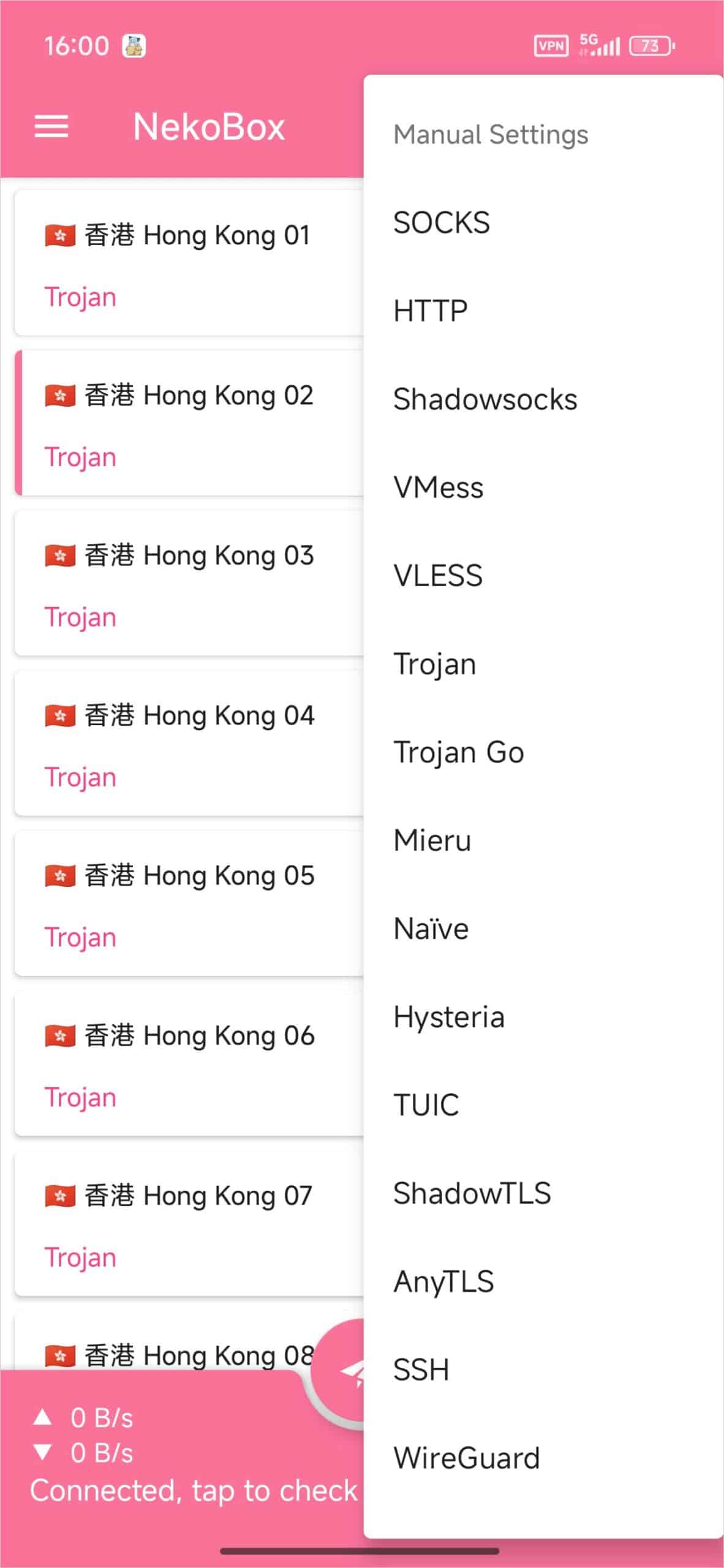
Obtain a compatible subscription URL or individual server link from your provider or your own server. Confirm the link type before choosing an import action. Compare server plans and compatibility
Quick Configuration
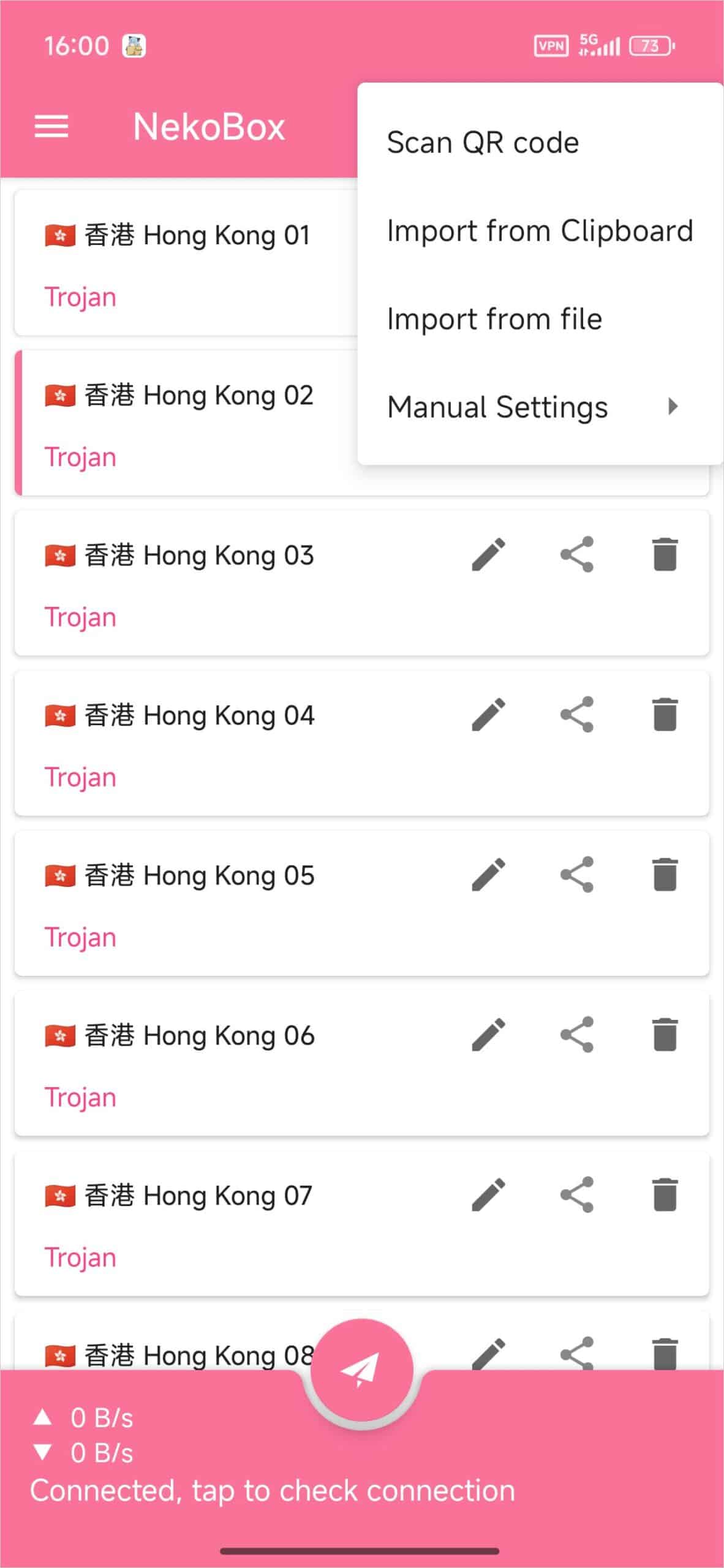
- Open the configuration screen. For a compatible share link, copy it and use the clipboard import option.
- For a subscription, use the option to add a subscription or create a subscription group, supply the URL, and refresh it to load the list.
- Select a profile, start the connection, and approve Android’s VPN prompt if it appears.
- Open a normal site and check whether the selected profile connects.
If the subscription is empty
Confirm that the service is active and check that the link points to the subscription rather than your account page. Try refreshing the group and testing one profile at a time. See NekoBox for Android answers